Your whole family,in one place.
- Calendar
- Chores
- Groceries
- Recipes & meals
- Lists
- Allowance
- Homeschool
One app, one price — and they actually talk to each other.
No credit card required. Full features.
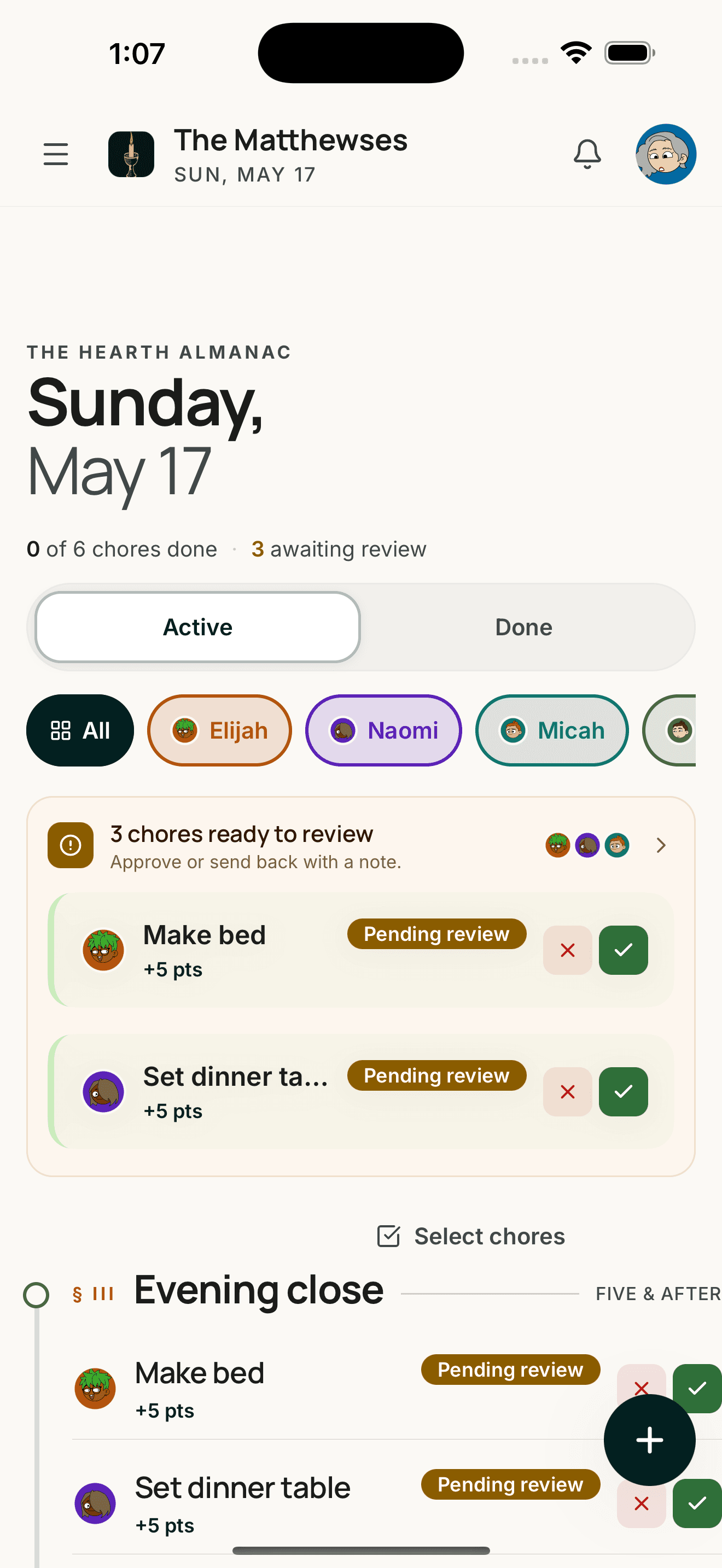
Lightstead bundles the seven family apps you’re already juggling — calendar, chores, groceries, recipes, lists, kid economy, journal — into one warm system built for the iPad on the kitchen wall. And for the families who homeschool, it covers every U.S. jurisdiction — 43 mapped in depth, the rest summarized.
Built by Dan— disabled U.S. Army combat veteran, husband, and father. We use Lightstead every day to help us homeschool our kids — attendance, grades, reading logs, transcripts, the paperwork our state requires. I built it because nothing else fit how our home actually runs, and because small work done faithfully for the family God gave me is the work I want to do.
“As for me and my house, we will serve the Lord.” — Joshua 24:15
Tap through the modules
See all →If you homeschool, here’s what no other family app does.
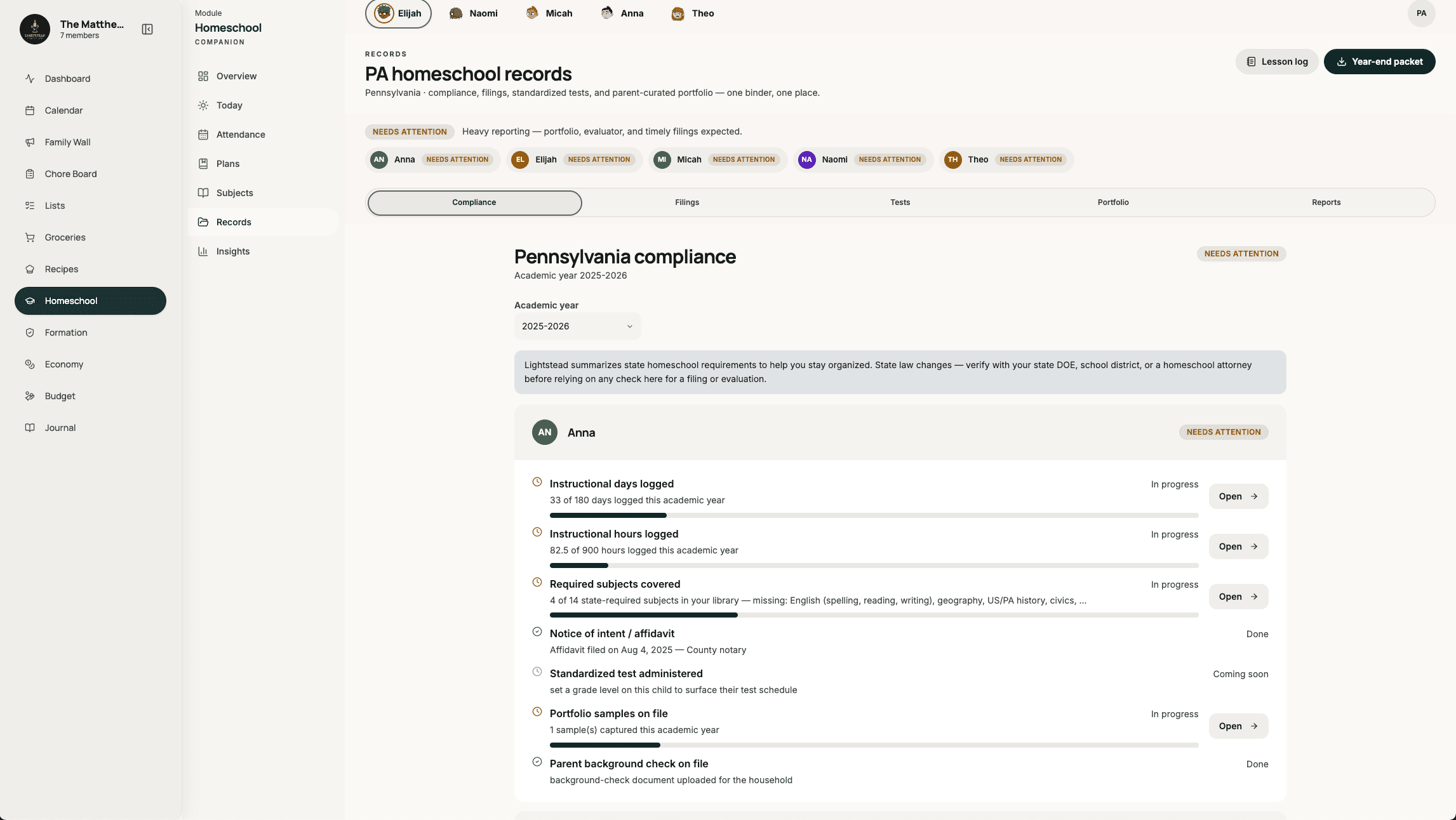
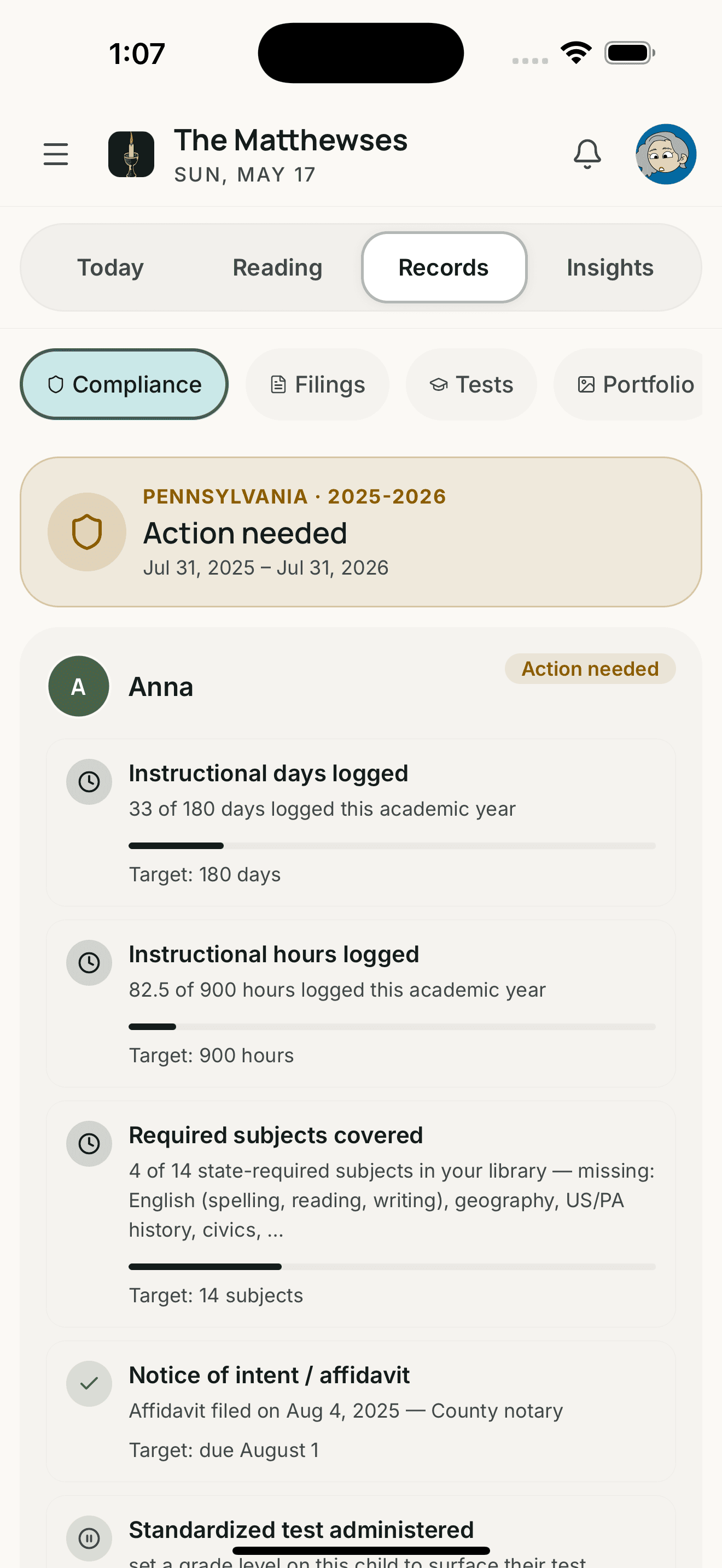
Most families don’t homeschool, and Lightstead works just fine without this module — it hides. But for the families that do, this is the deepest homeschool layer of any family app. We tracked the record-keeping rules across all 51 US jurisdictions — 43 with deep, state-specific guidance, 8 with basic summaries — covering notice deadlines, hour counts, required subjects, evaluators, and retention. Your state’s page shows only what your state actually asks for. Lightstead is a record-keeping tool, not legal advice; consult your state’s Department of Education for binding requirements.
- Pennsylvania · 180 days · 900 hrs
- New York · Individualized Home Instruction Plan (IHIP) + quarterlies
- North Carolina · Notice of Intent (NOI) + test
- Ohio · annual notification
- Virginia · NOI + progress
- Florida · annual evaluation
- California · Private School Affidavit (PSA) filing
- Georgia · annual assessment
- Illinois
- Texas
- Indiana
- Michigan
- Tennessee
- Washington
- Arizona
- Missouri
- Maryland
- Oklahoma
- South Carolina
- Minnesota
- Oregon
- Idaho
- Massachusetts
- Iowa
- + 27 more
- 01Notice of intent, on time.Affidavits, Notices of Intent (NOIs), Individualized Home Instruction Plans (IHIPs), declarations of intent — generated, dated, ready to file. The August deadline shows on your dashboard from July 1.
- 02Days and hours, automatic.Calendar-first attendance with per-child hour rollup. The compliance card tells you exactly how far from your state's minimum.
- 03Subjects, tests, evaluator.Required-subject checklist by grade. Standardized test reminders for the years that need them. Evaluator portfolio export — one signed PDF.
- 04Portfolio, kept as you go.Every assignment, reading log, test result auto-files with date stamps. When the evaluator asks, you export the year as one PDF.
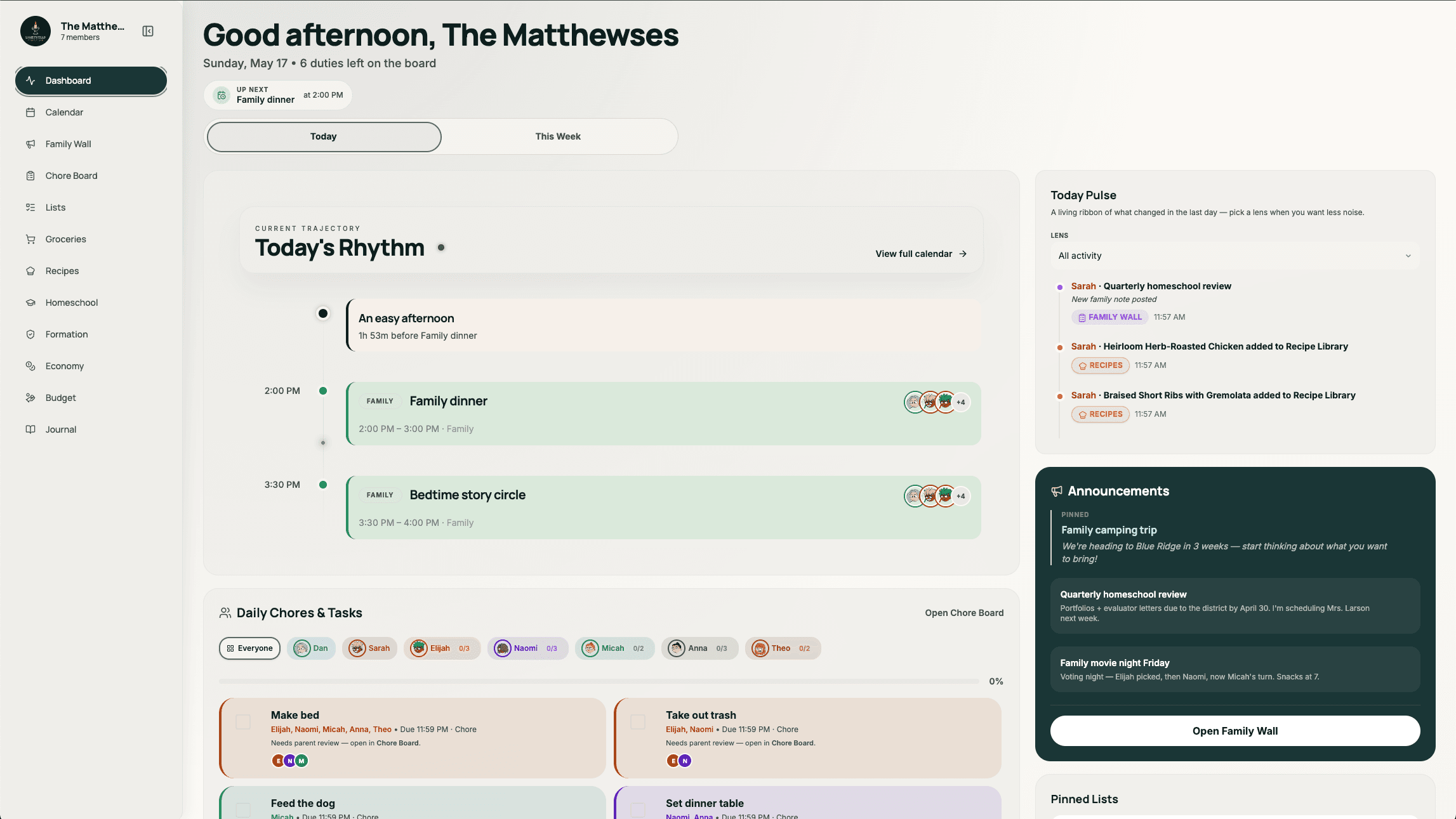
Today, at a glance.
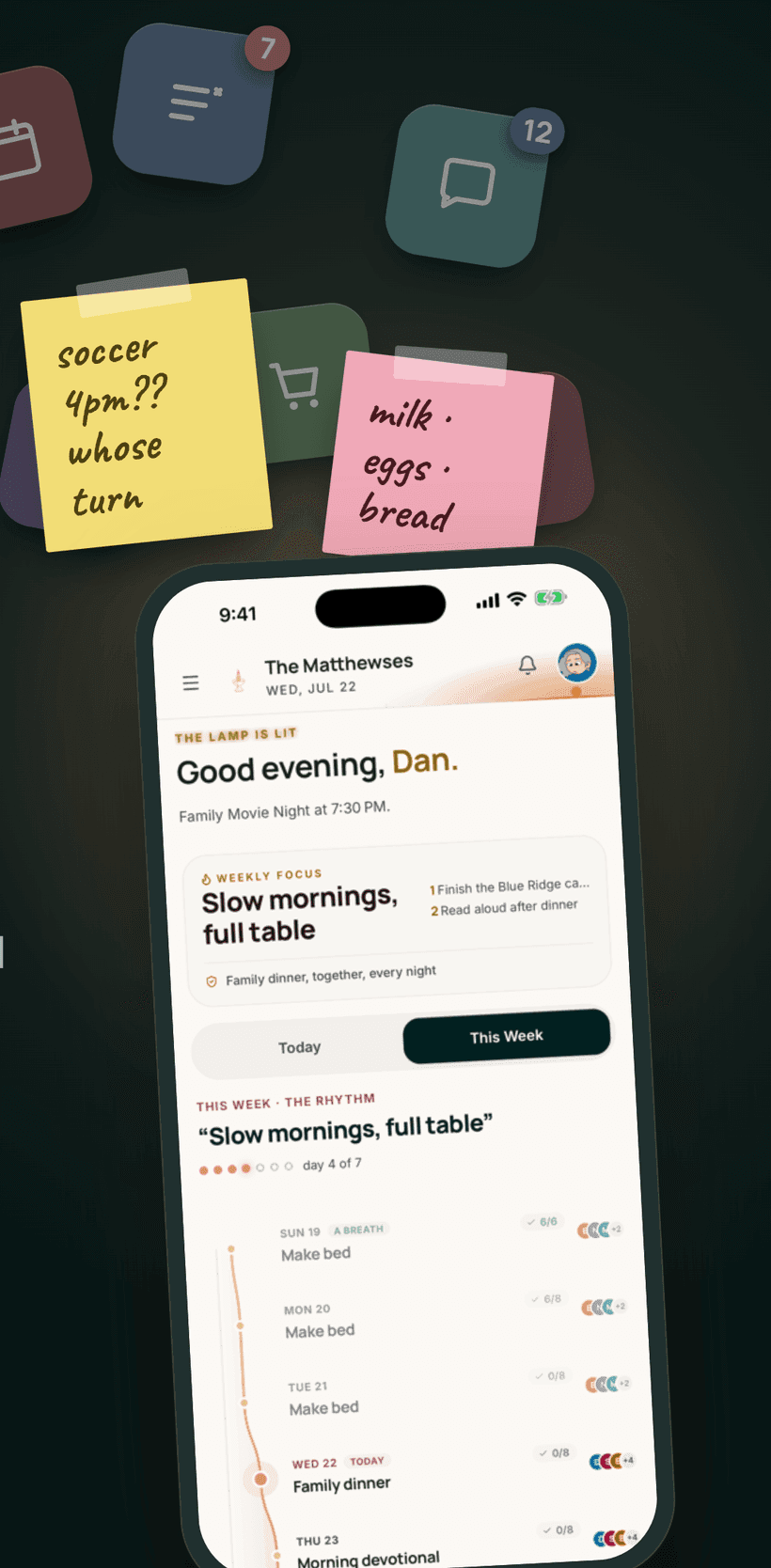
Open the app and the day's already shaped. Lessons in flight, chores in the queue, dinner on the calendar, groceries waiting for the 4 o'clock run. Nothing to set up — Lightstead pulls it from every module.
- Today's Rhythm timeline
- Where each child stands today
- Quick-log from anywhere
- Auto-locks for Family Mode
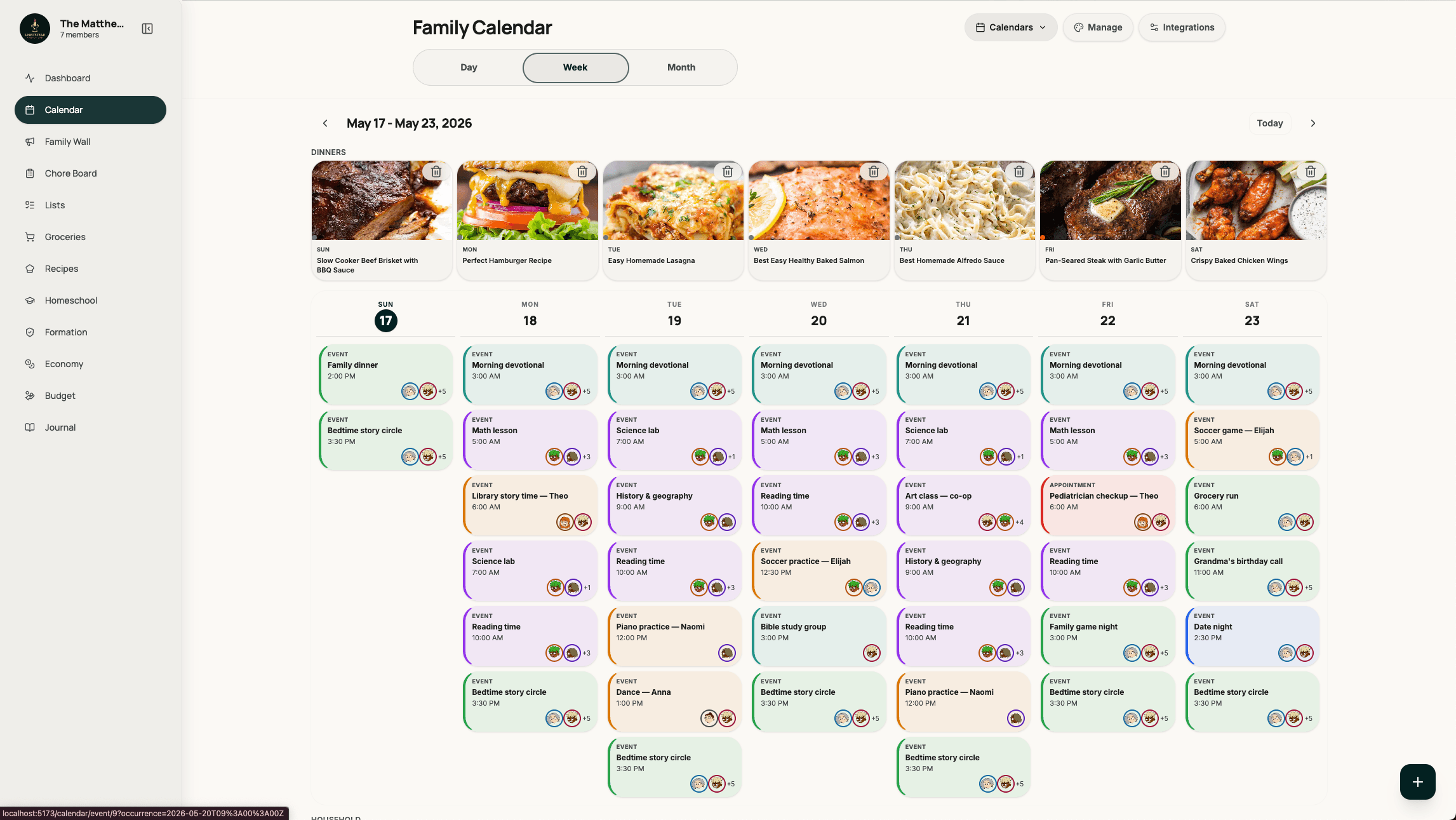
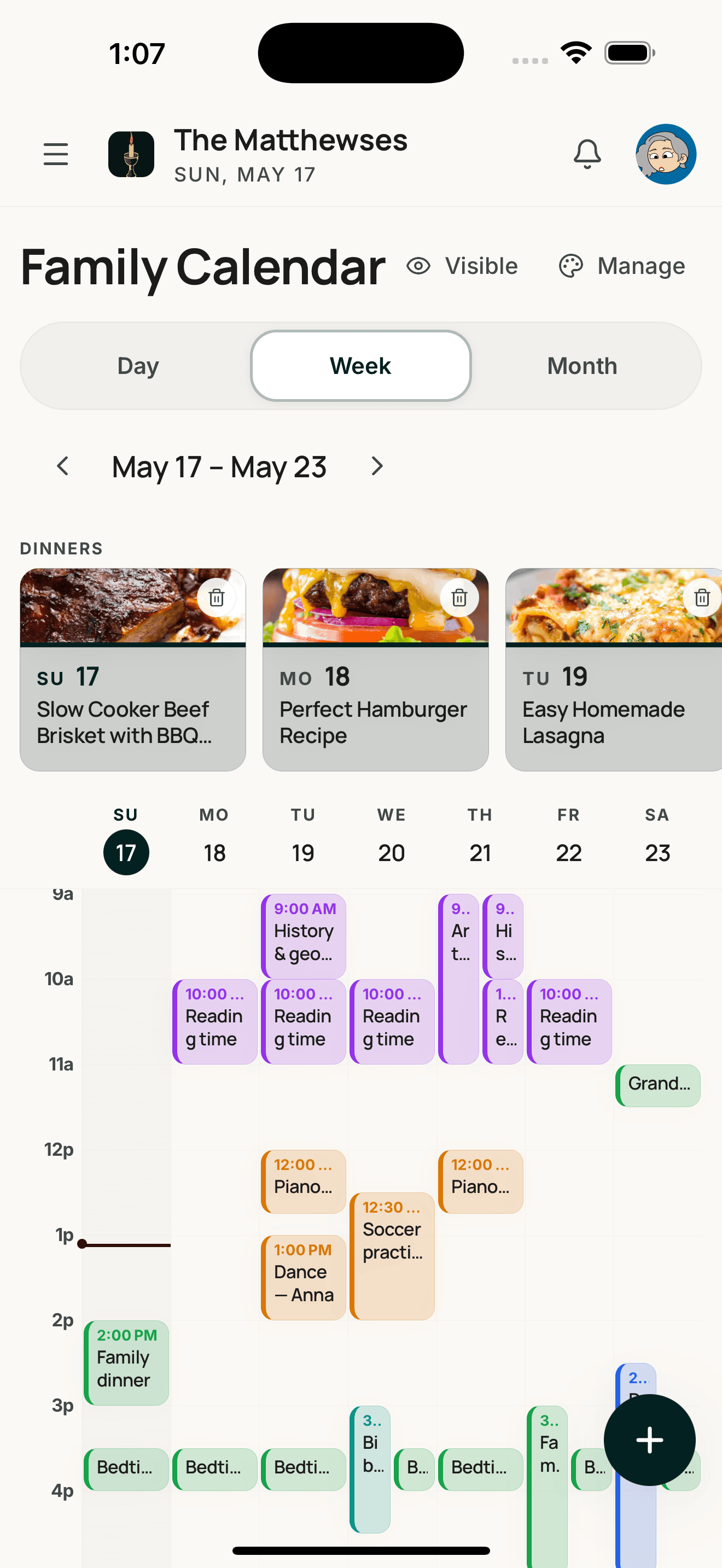
One calendar for the whole family.
Multi-account sync with Google. iCal subscribe/export for Apple. Outlook coming soon. Day, week, and month views. Meal plans woven into the week so dinner is one less decision.
- Multi-account sync
- Color-keyed per member
- Meal plans inline
- Co-op + activity templates
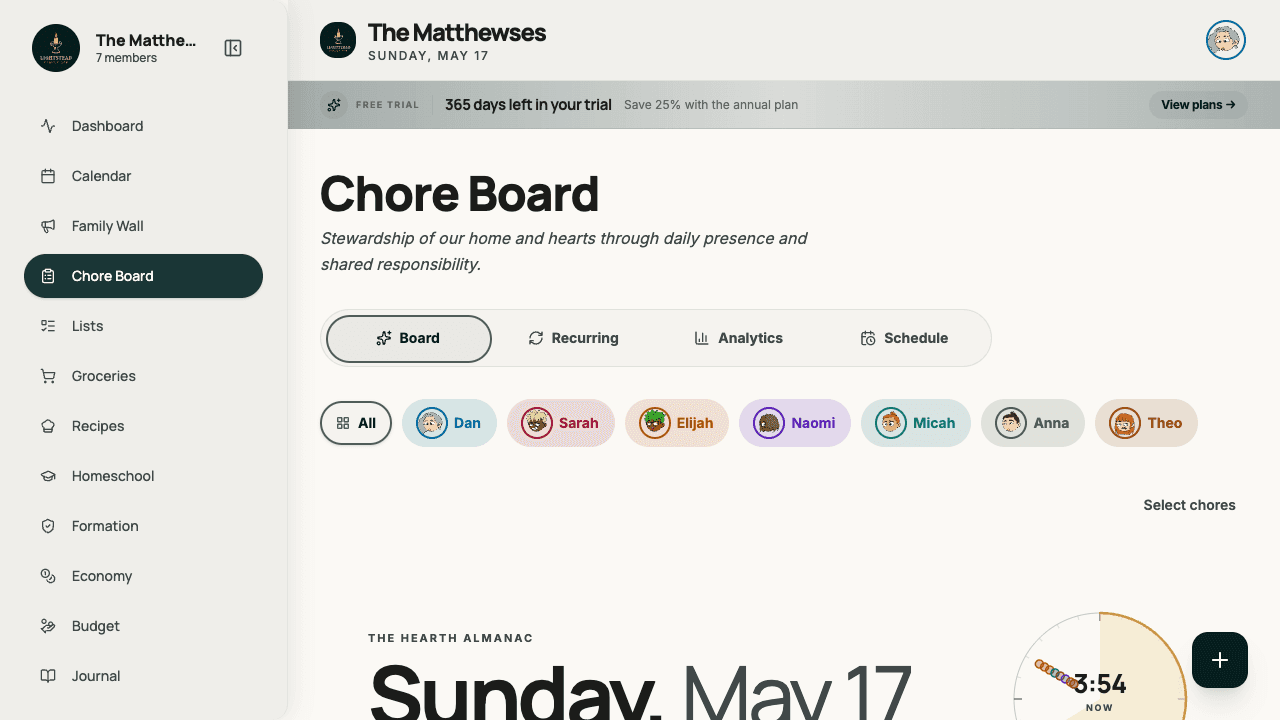
Rotations the kids can run themselves.
Up-for-grabs pool chores, rotation templates, and parent review on the things that need it. Tied directly to allowance. Kids own their list. Parents stay out of nag-mode.
- Rotation templates
- Up-for-grabs pool
- Approval queue
- Allowance + points tied in
The tablet on the kitchen wall, made safe.
Mount Lightstead on the iPad. Anyone in the family can tap. Parents unlock sensitive zones — money, formation, settings — with a four-digit PIN. Auto-locks after five minutes.
- Shared device session
- PIN for parent zones
- Always-on dashboard
- Auto-lock after five minutes
More rooms in the house.
Family-life features, named like rooms. Use only the ones you need — the rest hide. Switch them on as your family grows into them.
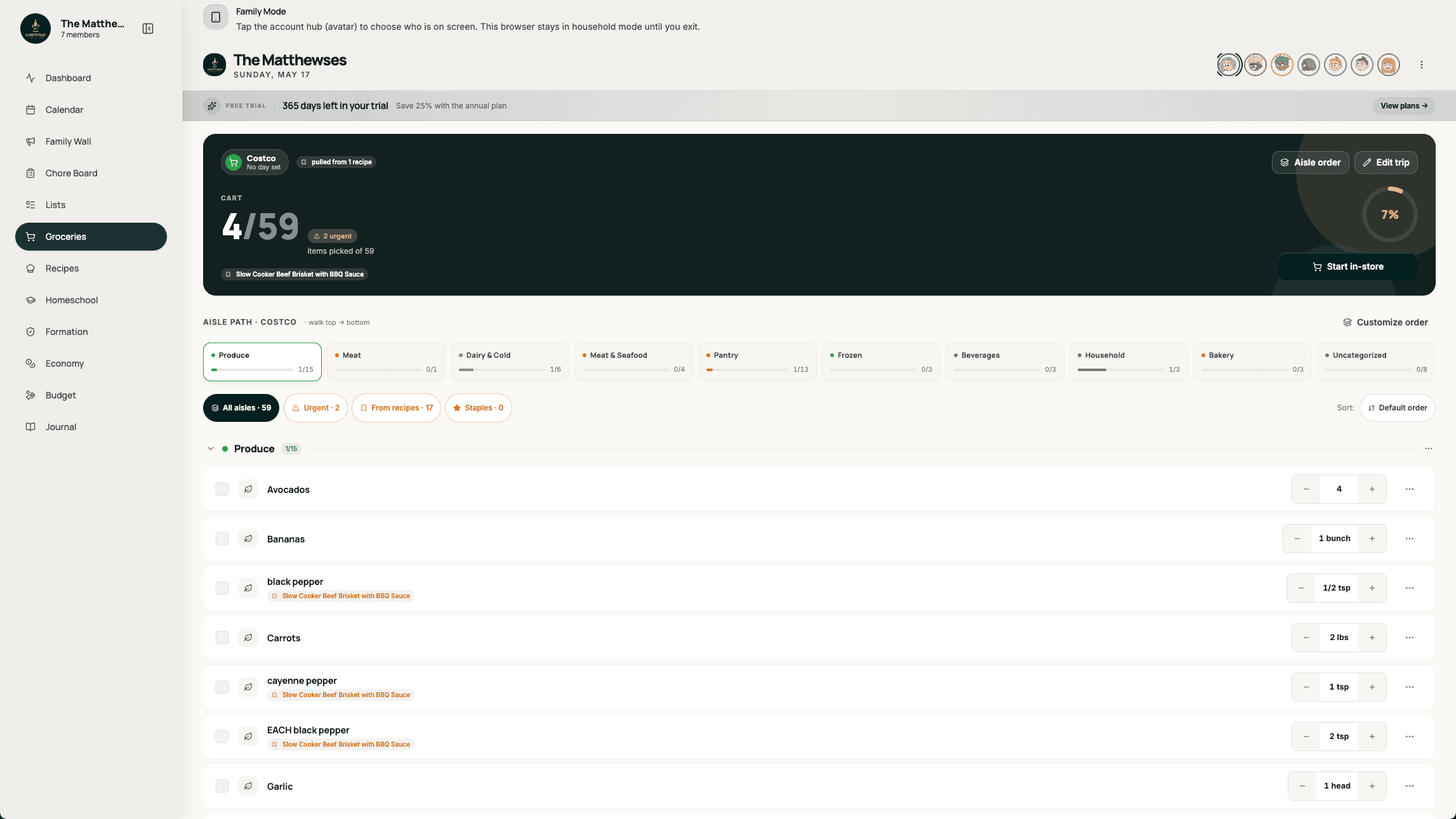
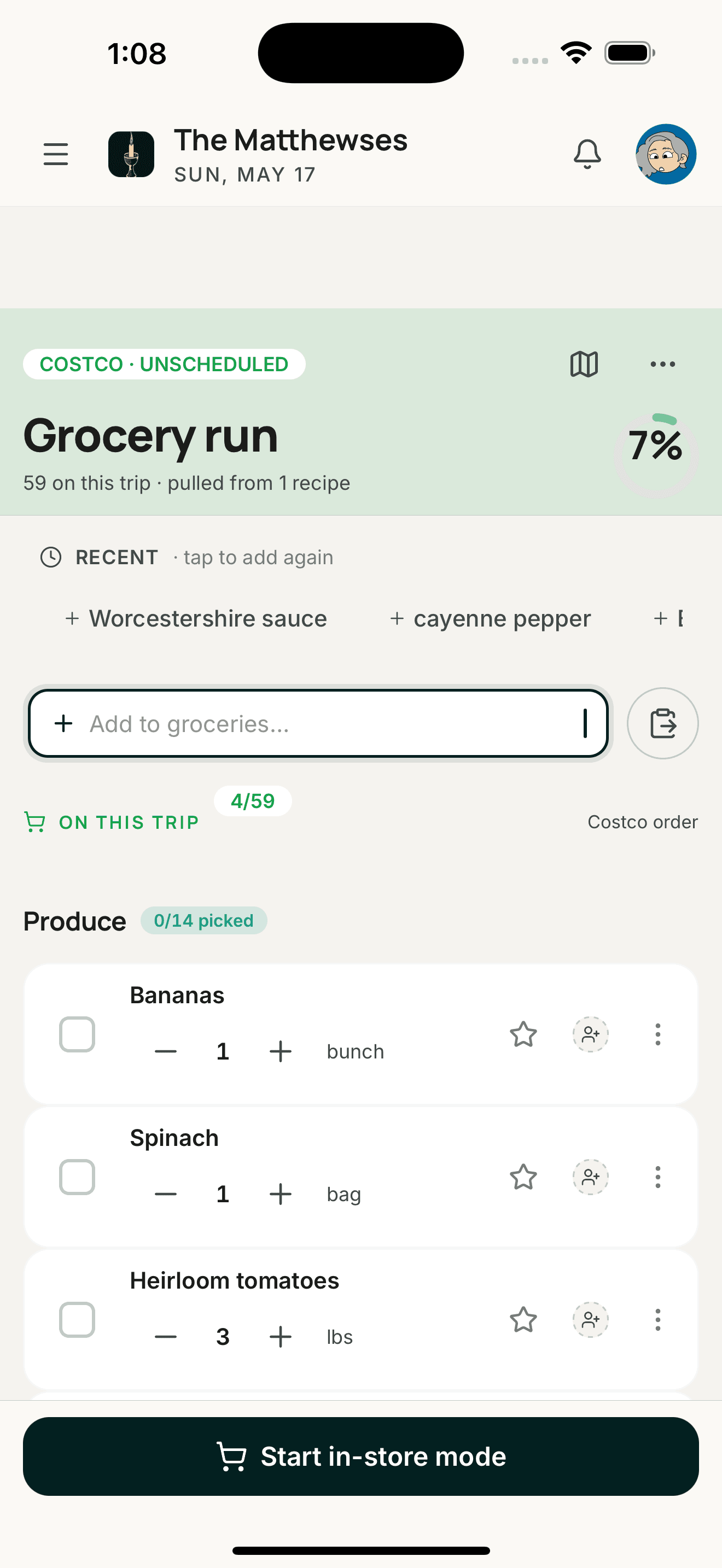
Aisle-sorted shopping
Smart input · trip mode · history
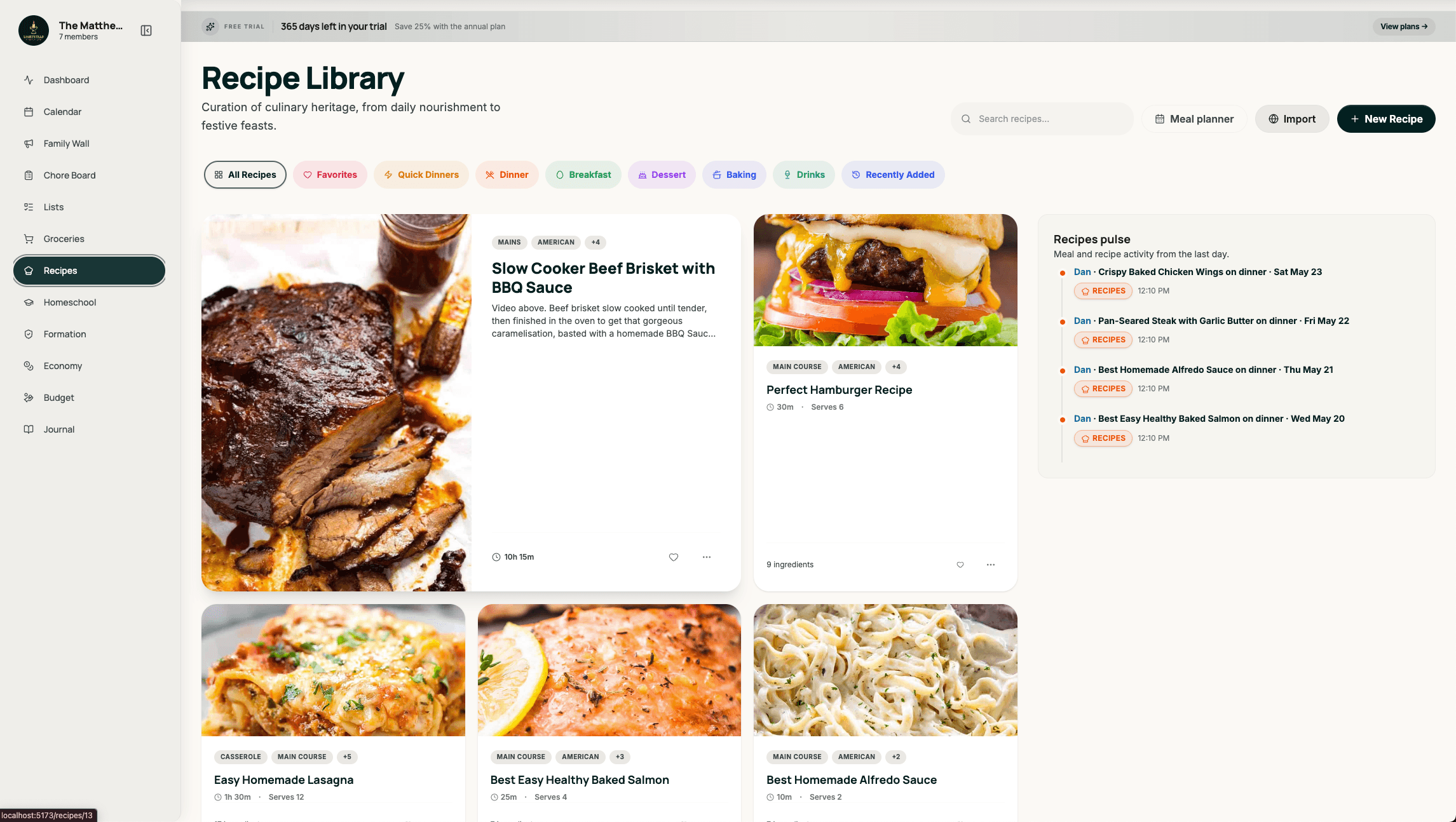
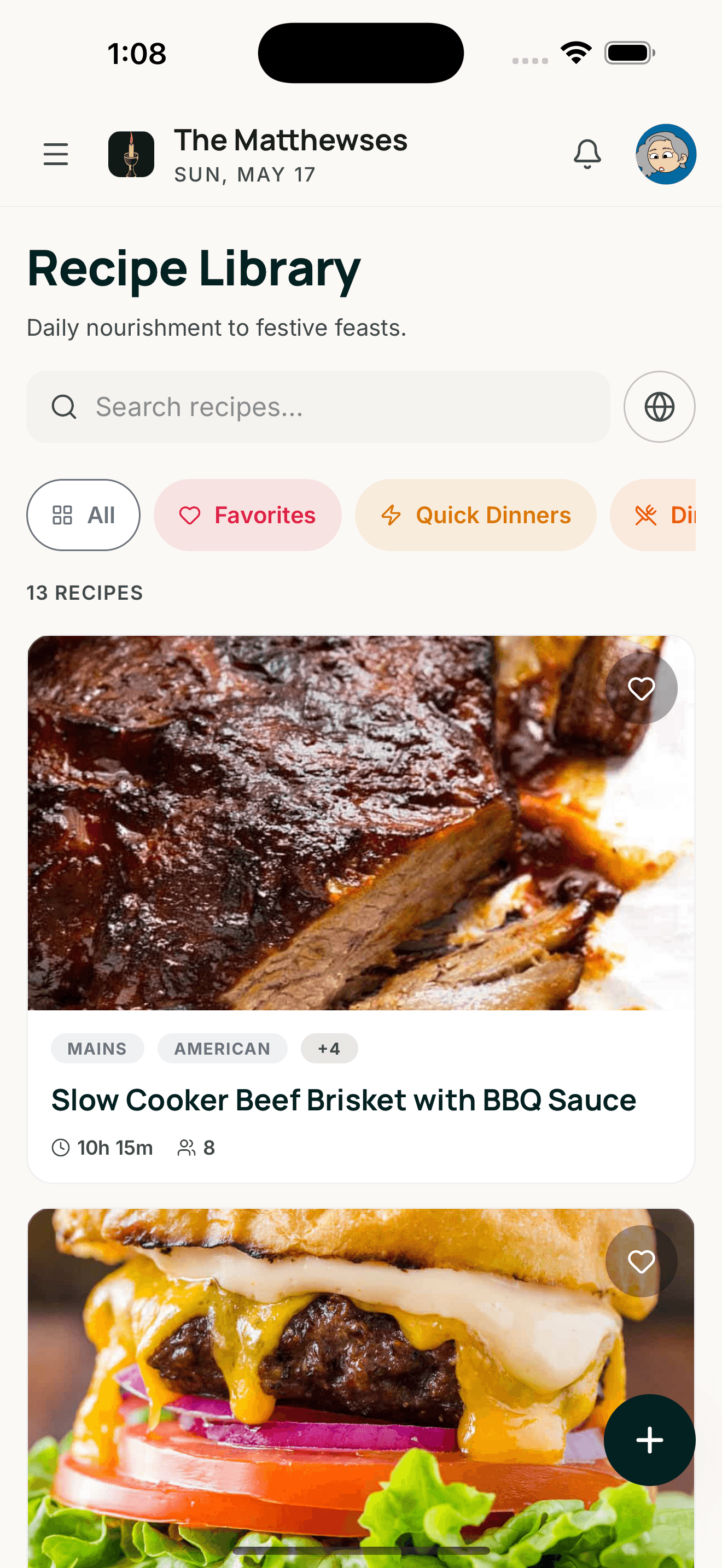
Library + cook mode
Meal plans woven into the calendar
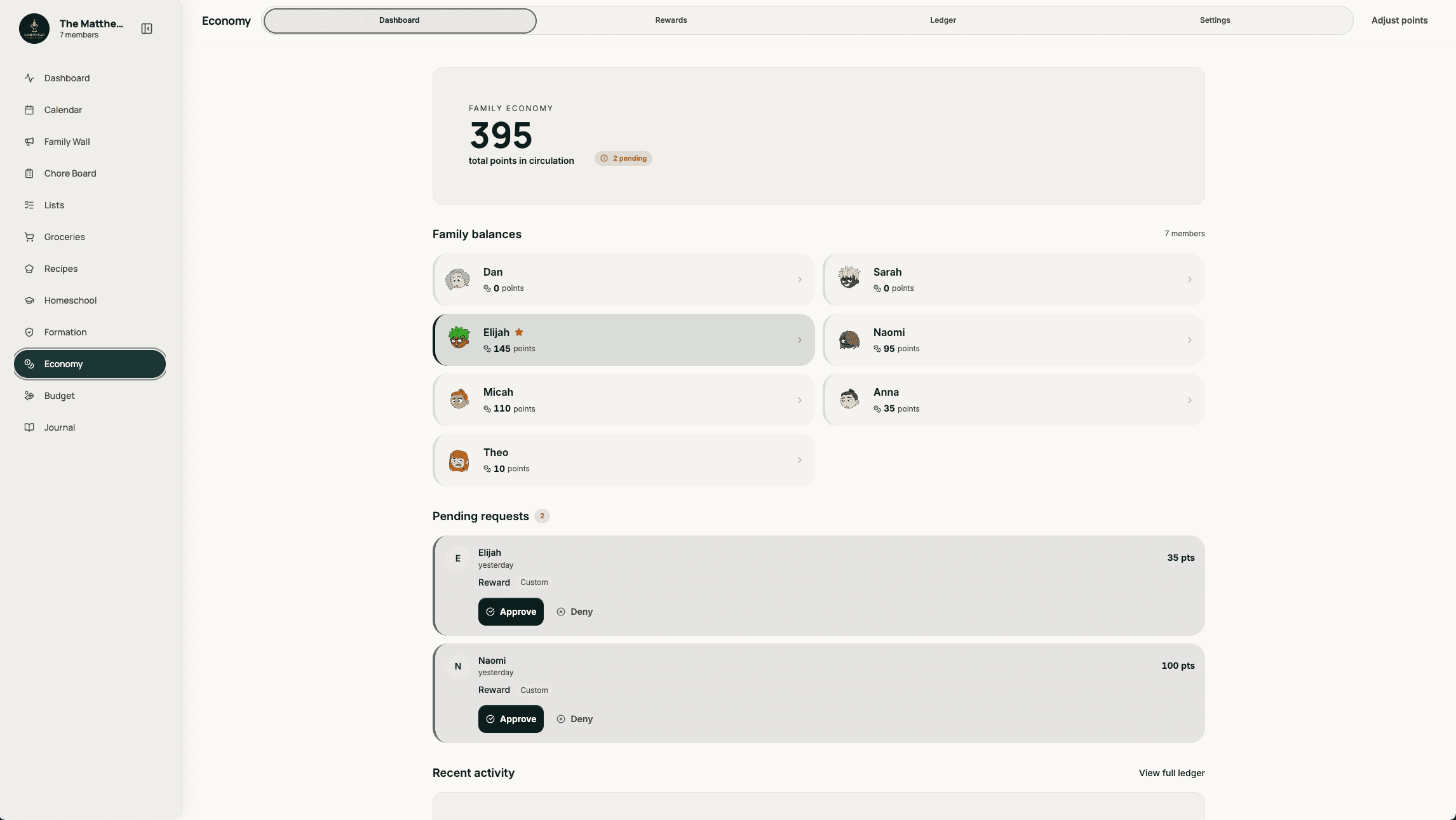
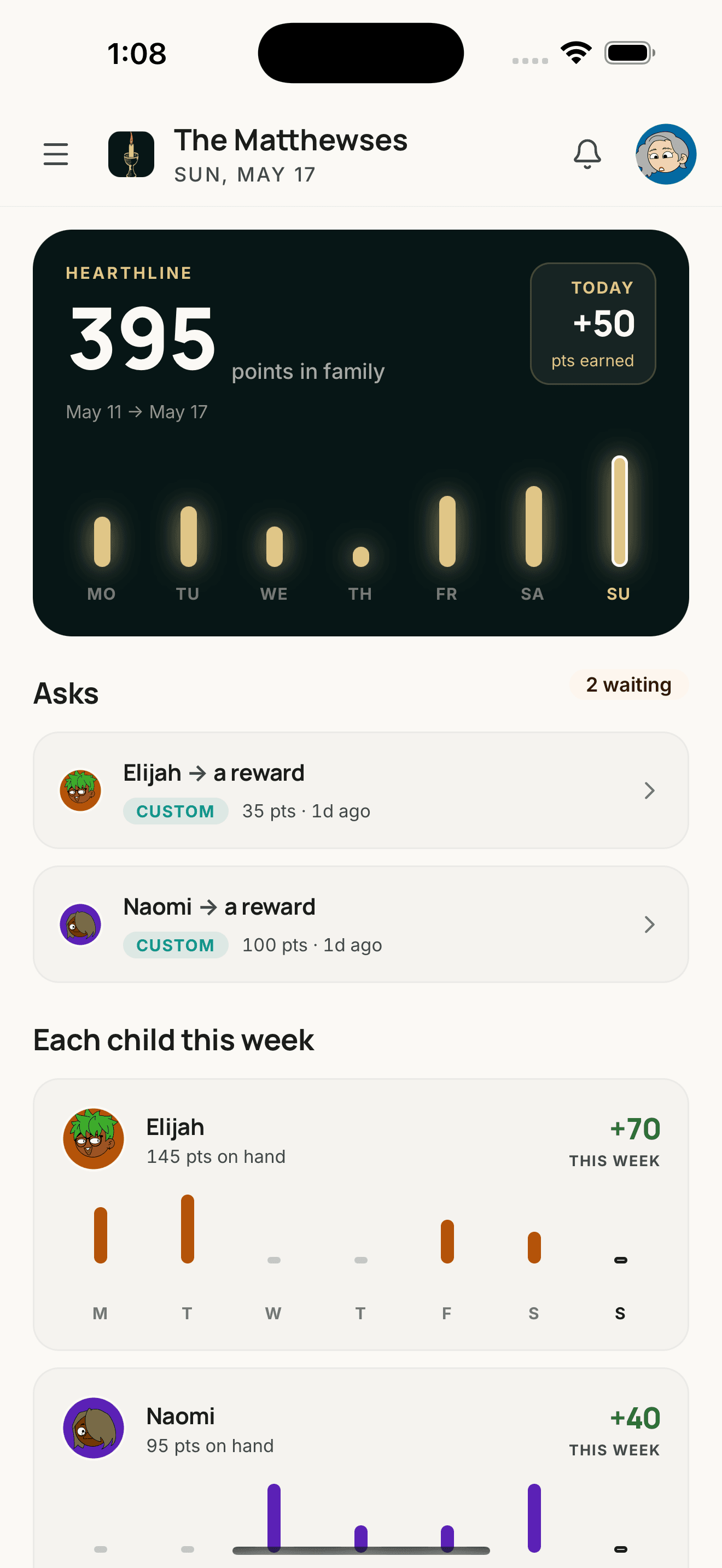
Kid economy
Allowance · ledger · reward store
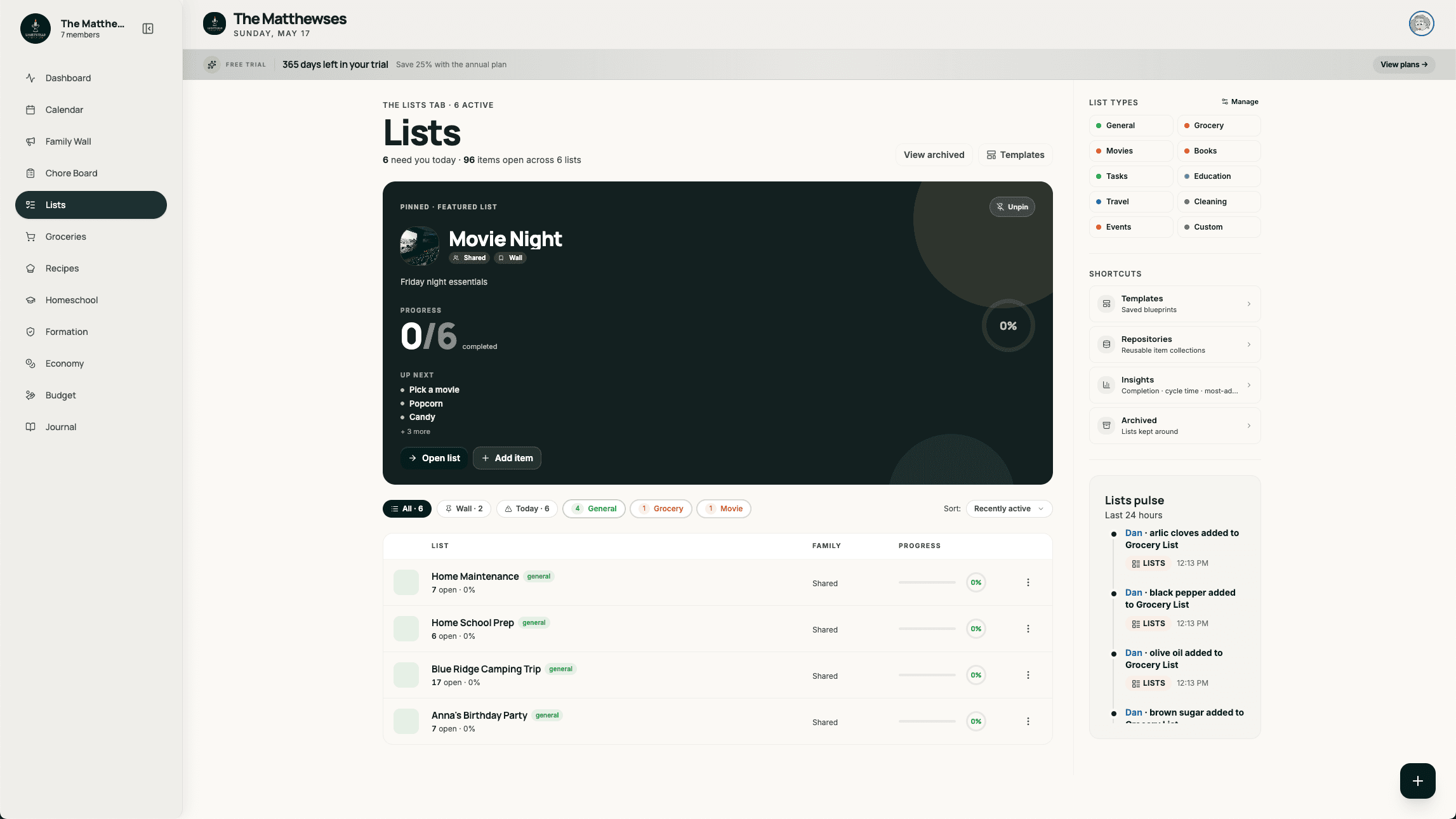
Household lists
Keep lists · watch lists · book lists
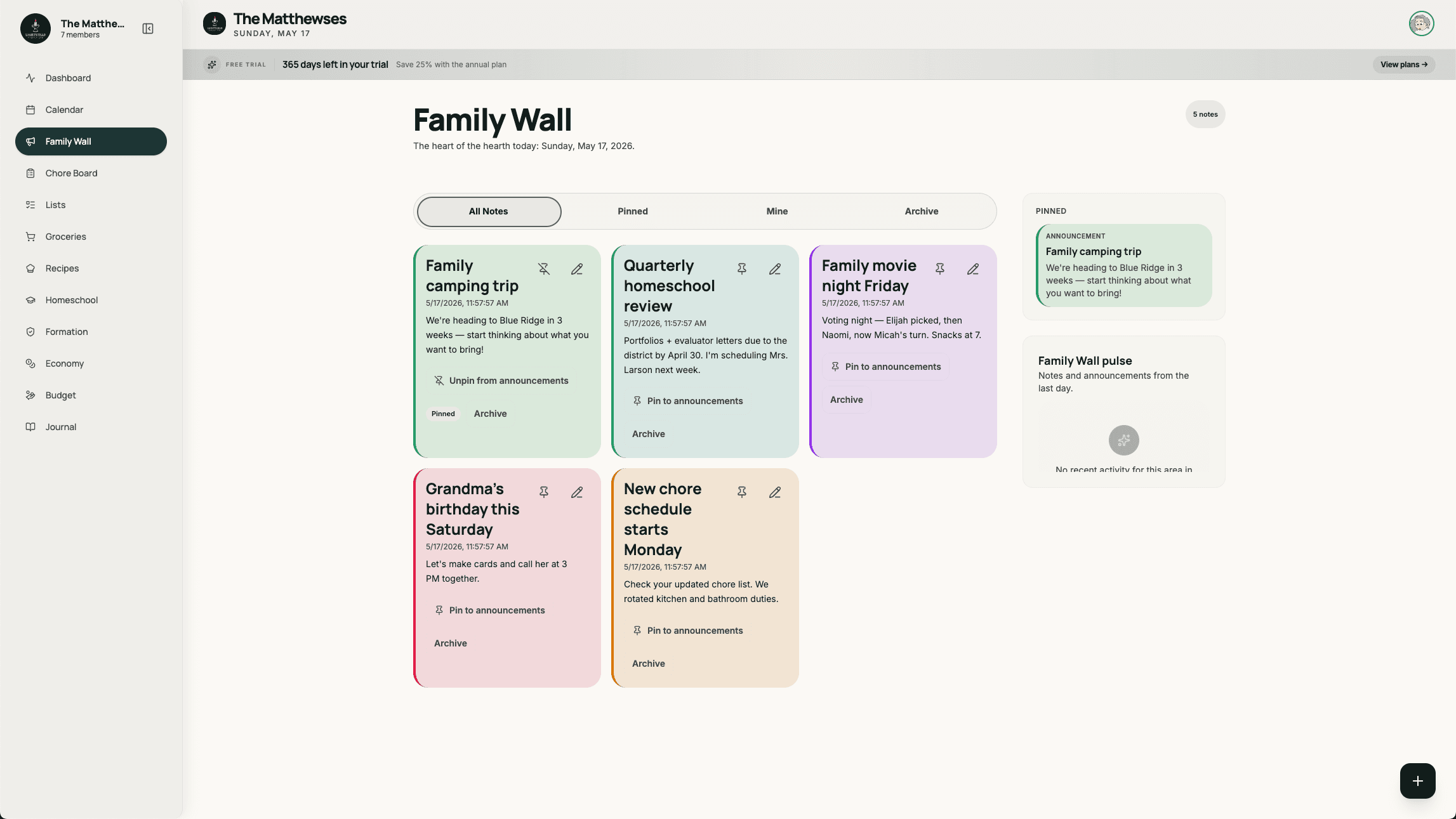
Pinned notes
Family-wide reminders that stick
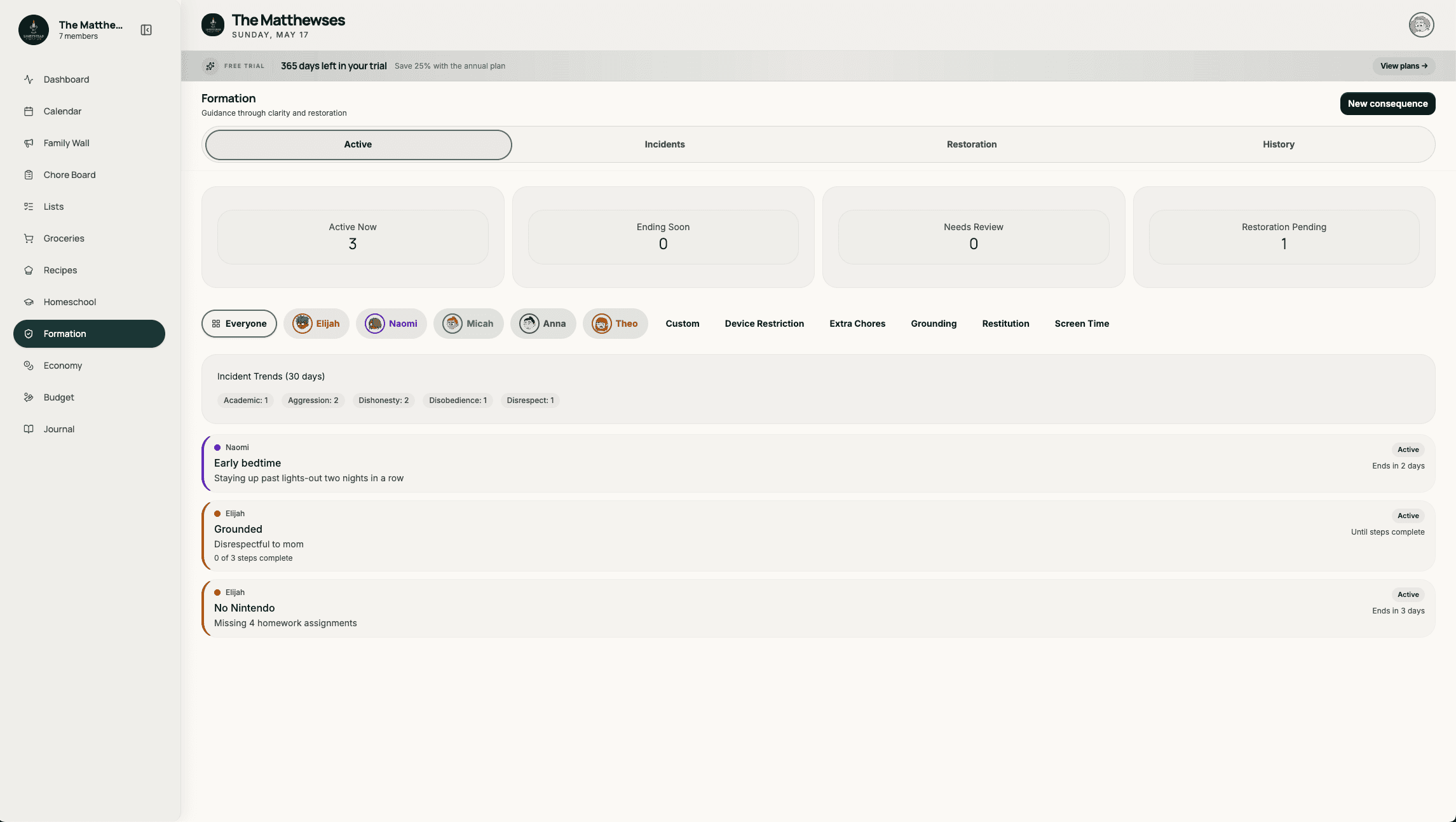
Calm behavior log
Incidents · restoration · patterns
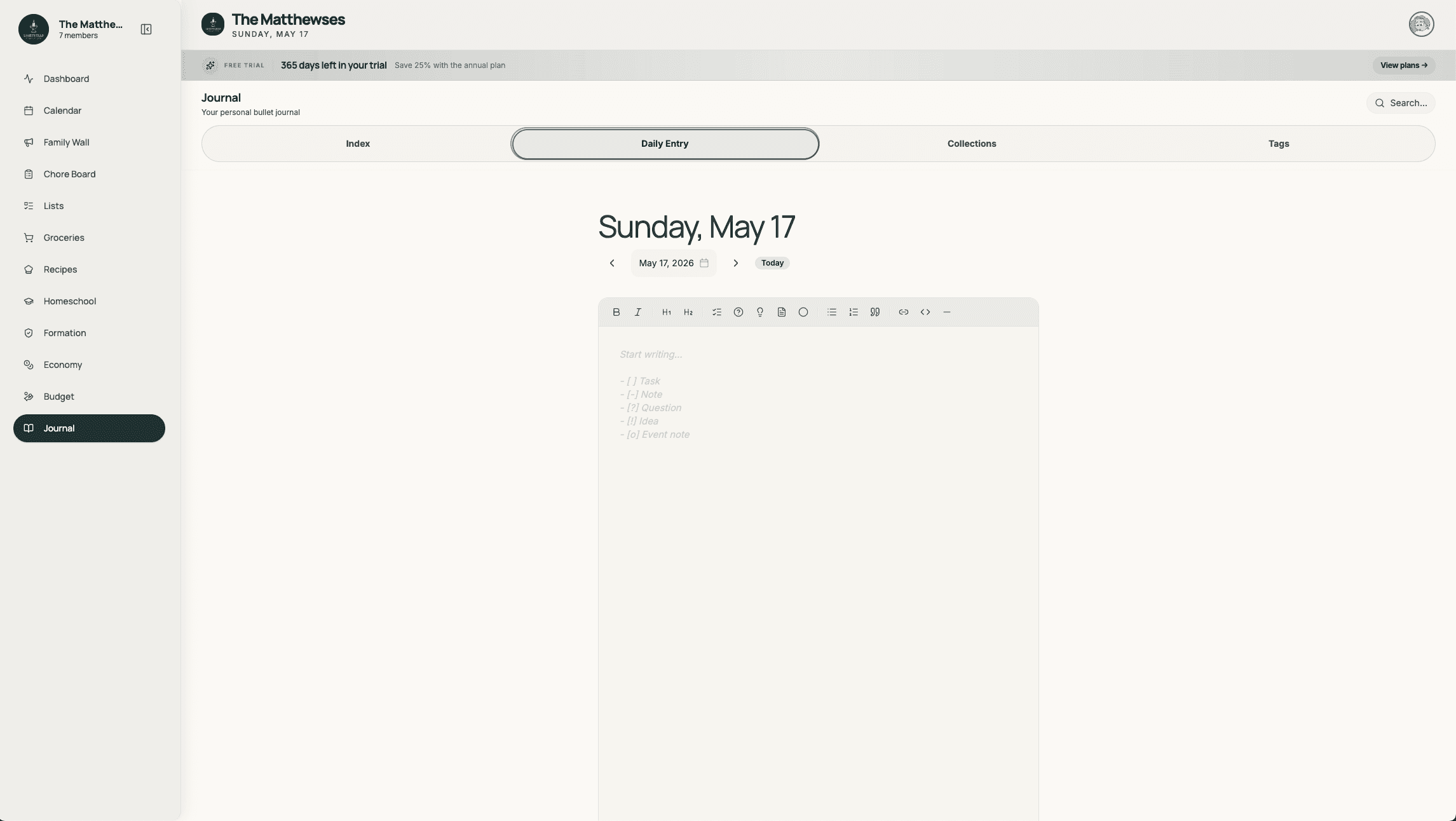
Bullet journals
Per-member, lightweight, private
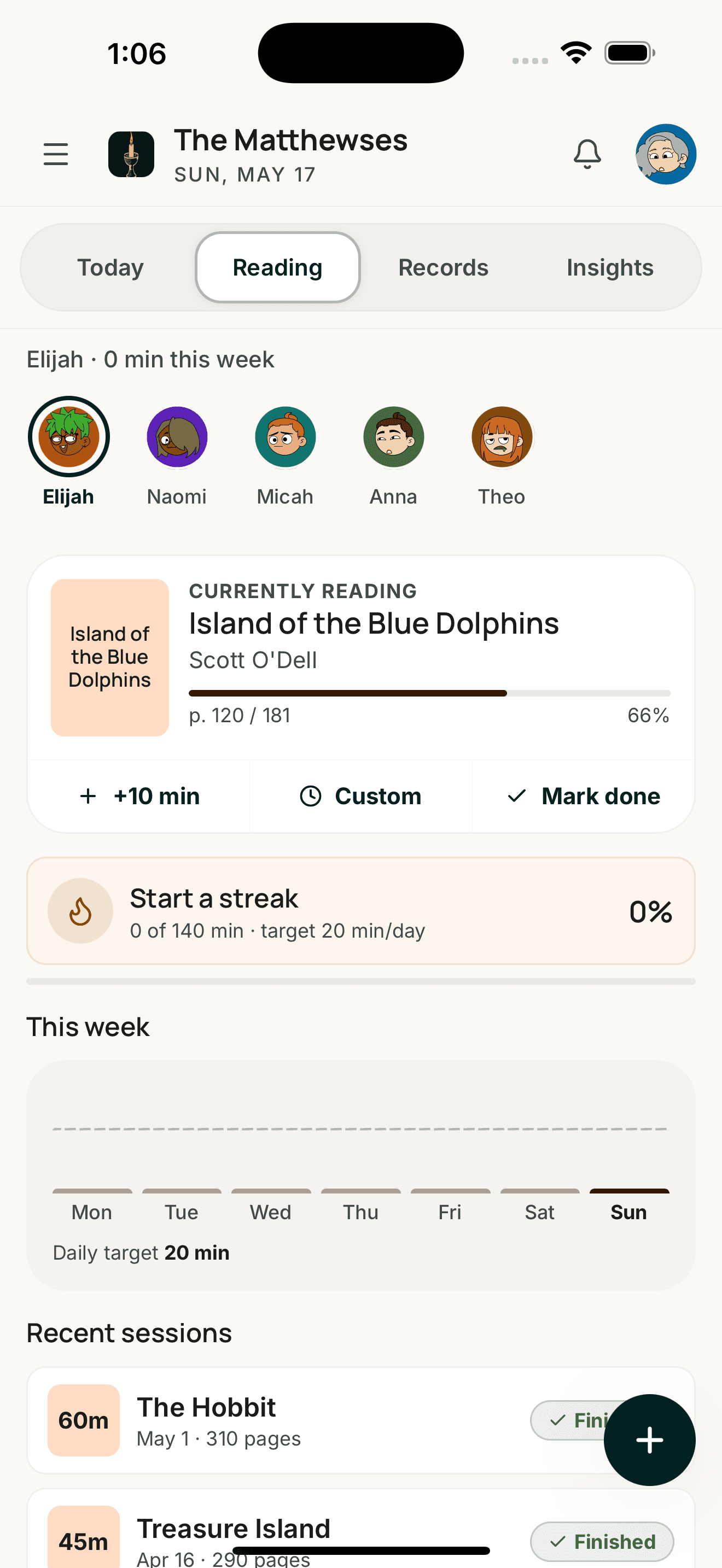
The phone in your pocket, too.
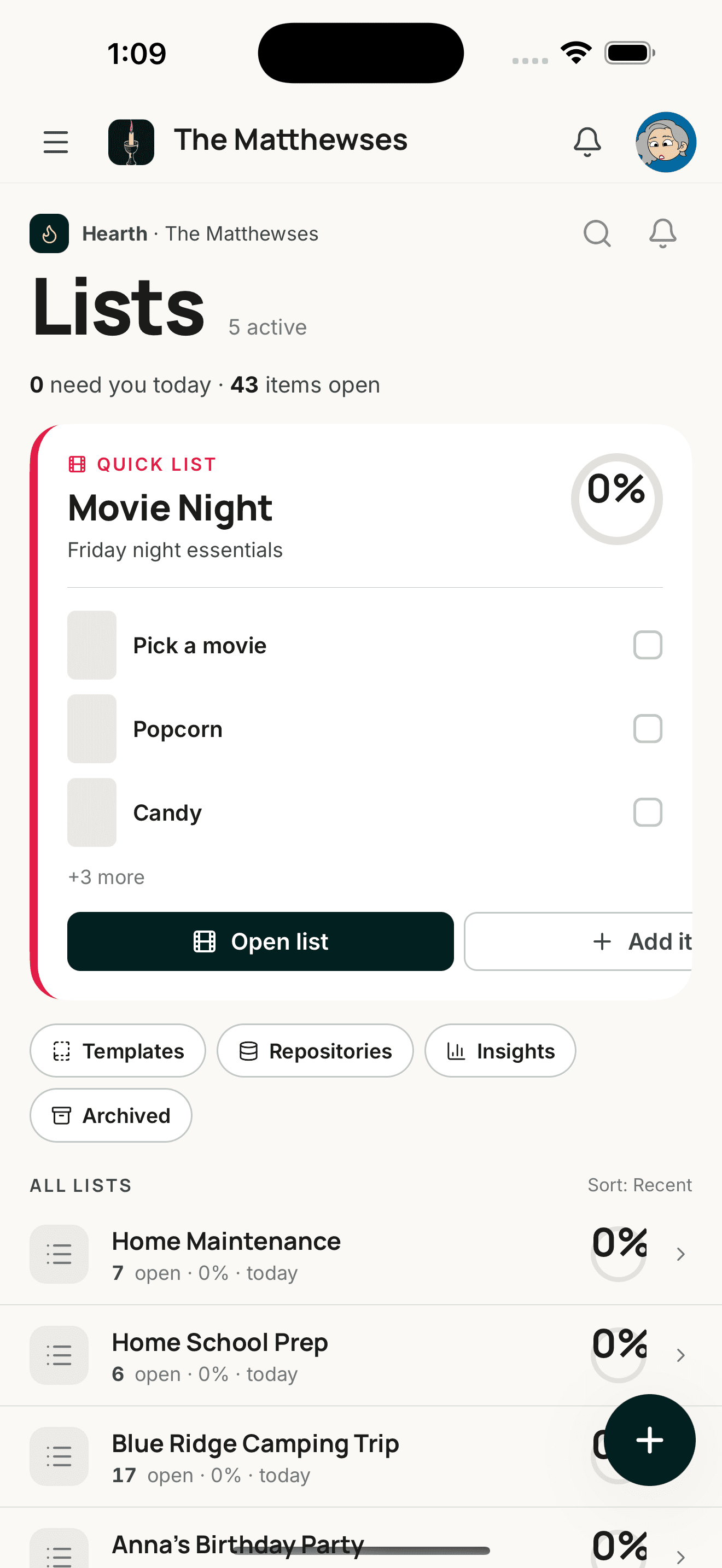
The native apps are here — same household, same data, sized for one hand. Download it from the App Store or Google Play. The kitchen iPad stays the home base; phones come along for the rest of the day.
Light the hearth.
Fourteen days, no card, every feature. Spin up your household, mount it on the kitchen wall, see what a calm Friday looks like.